If you are looking to show your students how to create a professional Google Slide presentation, students can "make a copy" of this hands-on tutorial. This tutorial shows examples, and gives students the option to try out different methods.

Wednesday, February 8, 2017
Monday, January 16, 2017
Literacy, Imagination and the Green Screen - DoInk
If I Lived in a Snow Globe

DoInk simply combines layers of images or movies by removing anything green. Let your students' imagination go wild and ask them for their ideas! I can't wait until our next project.


Tuesday, December 6, 2016
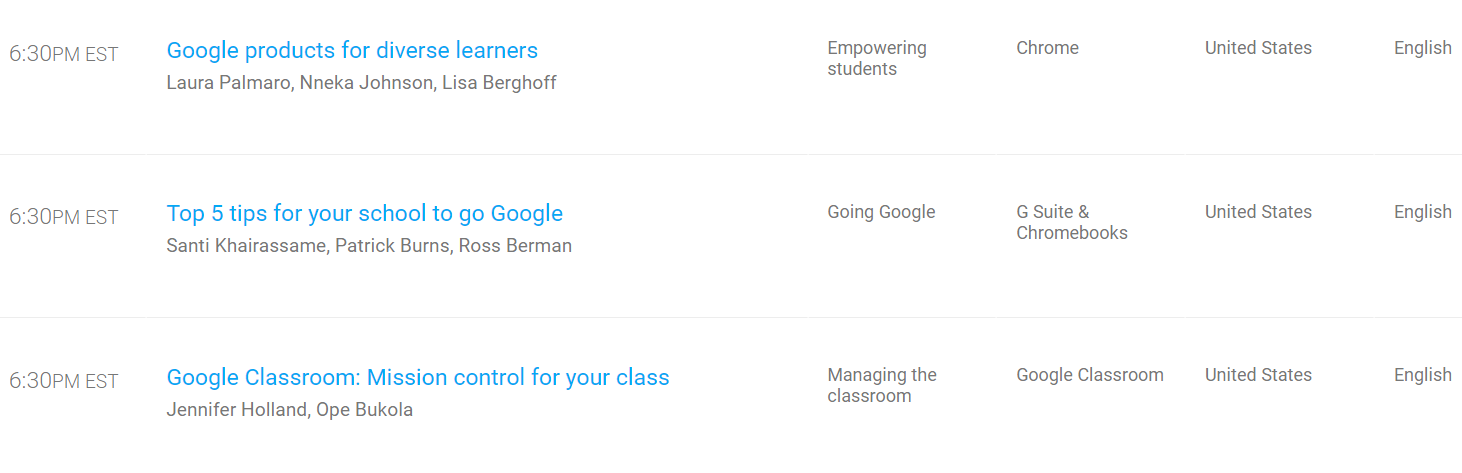
Did You Miss Google On Air: It Takes a Teacher?
Held on December 3, 2016
You can still experience and attend great global professional development sessions online and on demand. Scroll down on the Google On Air website to see which breakout sessions are available for viewing.
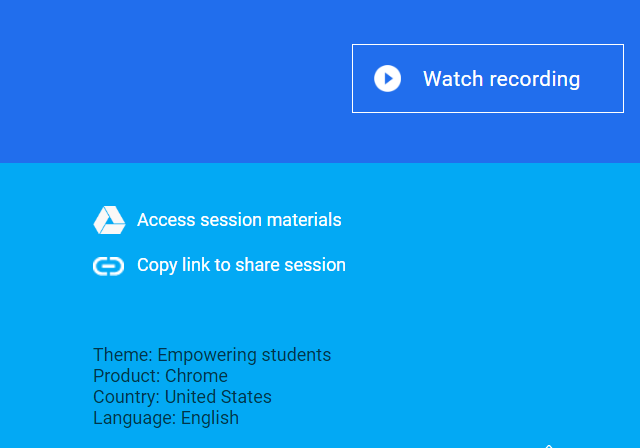 |
| Look For the Access Materials and Watch Recording Links |
Wednesday, November 9, 2016
BrainPop Jr. Make-A-Map
After watching the Brainpopjr video about the states of matter, students loved creating mind maps. The website gives them templates to choose from, or they can create their own. They brainstormed using the keywords on the side as well as the pictures. Some students dragged pictures and even parts of the video into their diagram.


Thursday, October 6, 2016
Google Slides for Drawing Dichotomous Keys

Google Slides can be used for other purposes than a presentation because of all its Draw features, as well as creating custom sizes and the ability to use animations. In this Dichotomous Key lesson students were engaged and excited to create their own dichotomous keys, more so than previous years when they used pencil and a paper template.
The important change was that each student could customize how they wanted to present their information with text, words, photos, and colors.


Tuesday, September 13, 2016
Creating Revolutionary Timelines with Google Draw
Using Google Classroom to assign and "make a copy," students were asked to create their own timeline using dates and events preloaded into their draw document. The focus of the lesson was thoughtful creation of a timeline--not whether they could type the required dates into the document.
Given the freedom to choose colors, orientation, and images, finished timelines showed a wide variety of styles and focus. Students were able to articulate and explain their thought process in the creation of their timelines.
 Wide Variety of Timelines to Show Individual Students' Thought Process and Visual Thinking


Given the freedom to choose colors, orientation, and images, finished timelines showed a wide variety of styles and focus. Students were able to articulate and explain their thought process in the creation of their timelines.
 Wide Variety of Timelines to Show Individual Students' Thought Process and Visual Thinking
 |
| Various Student Examples |


Tuesday, May 31, 2016
LEGO WeDo Coding
Students in second grade used Lego WeDo to program Legos to kick a soccer ball! Students first built their soccer player using Legos. Then they were introduced to the WeDo software. This software uses drag-and-drop blocks. Students explored and discovered the different functions of the blocks, used the engineering process to try out a code of their choice, and eventually every student designed a soccer player who could kick a paper ball!


Subscribe to:
Posts (Atom)